

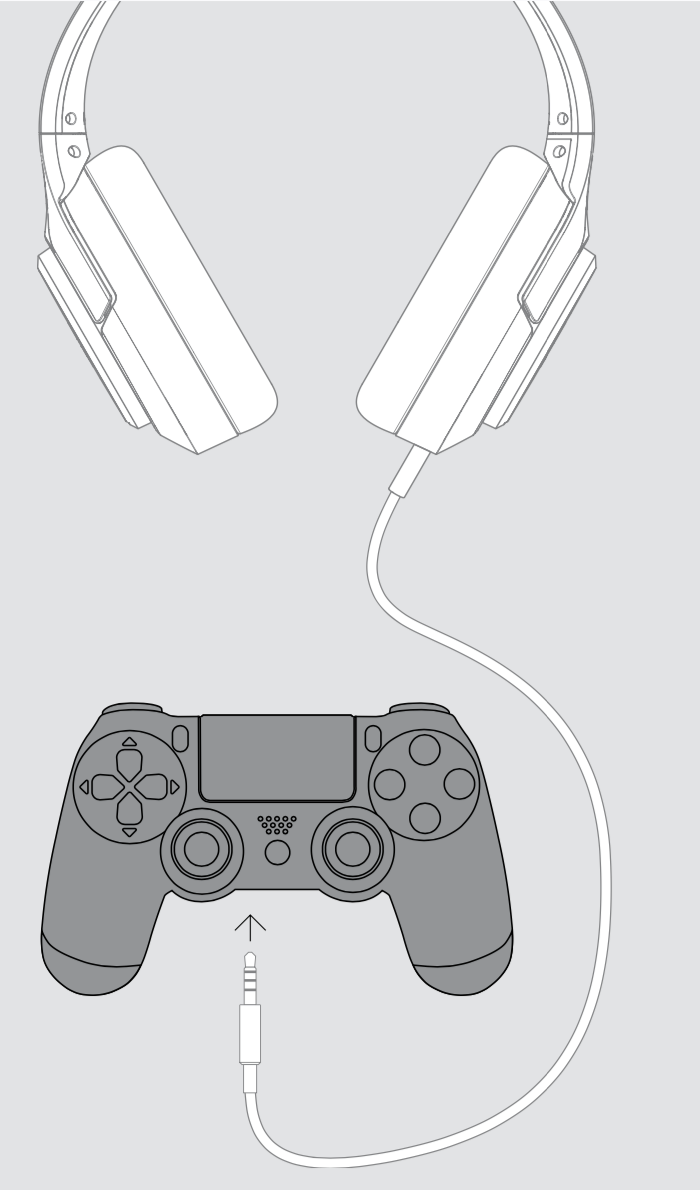
2. Go into Settings > Devices > Audio Devices on the PS4. Set Output to Headphones to All Audio. Also set the Volume Control (Headphones) to 100%:

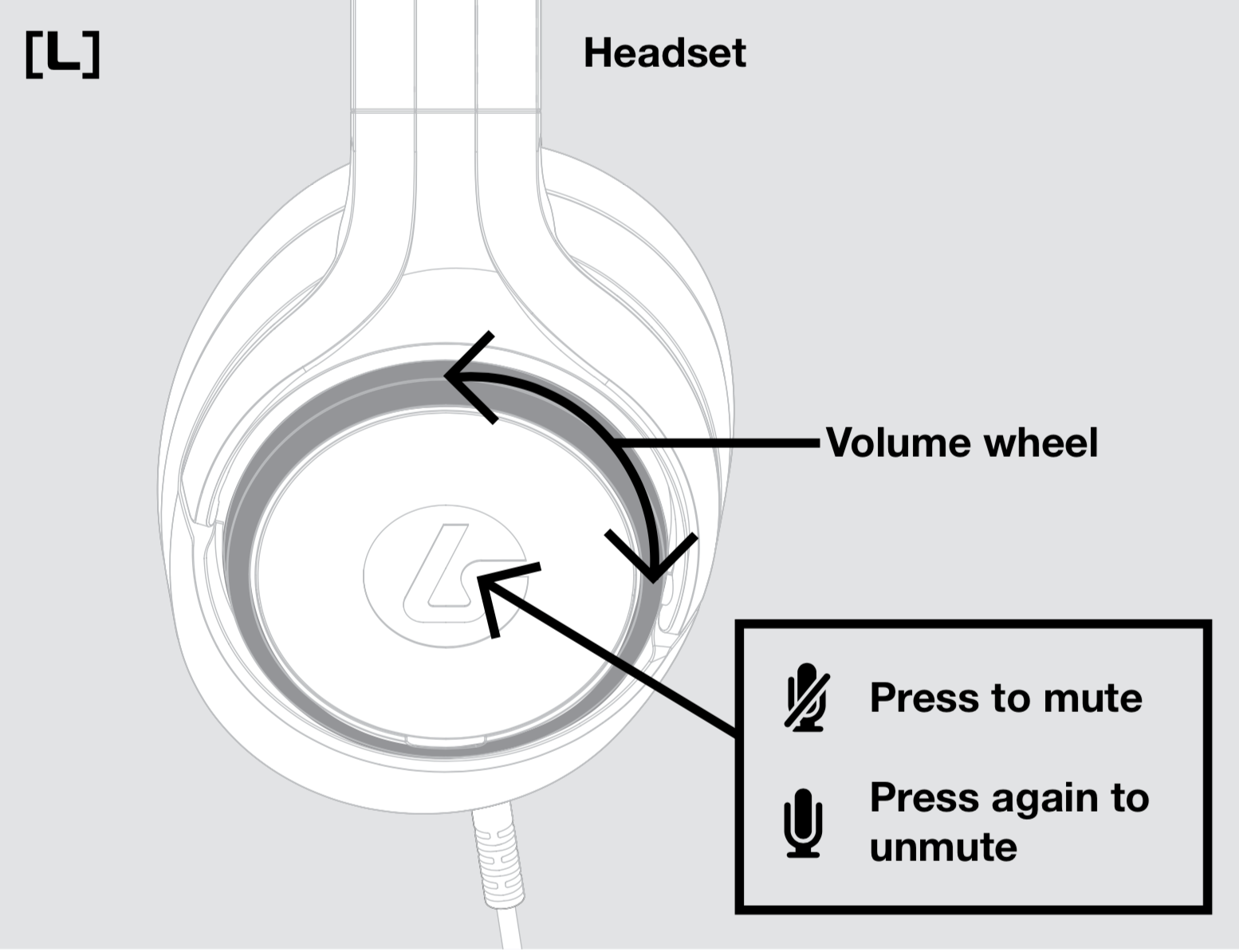
3. You can now adjust the volume using the wheel on the left earcup and mute the mic by pressing the button on the left earcup:
Share this: